
How to Search Cases by Name
Alabama offers no single free statewide search of trial-court records. For a Baldwin County Circuit or District case, your options are Just One Look, which sells paid on-demand access, or Alacourt.com's read-only subscription. Go slowly with name searches. Common names pull up many files at once.
- Choose the trial-court search product that fits one-time or repeated use.
- Enter the party name and narrow the result to Baldwin County.
- Compare the court, division, year, caption, filing date, and party role.
- Open only the matching case detail and read the dated actions.
- Confirm the latest or official result with the custodian.
| Field | Use | Search Tip |
|---|---|---|
| Name | Find possible parties | Match role and caption, not name alone. |
| County | Limit results | Select Baldwin. |
| Division | Separate case types | Use the code from a filed paper. |
| Year | Narrow similar files | Use the four-digit filing year. |
A name hit only points to a possible case. It tells you nothing about what happened inside it.
Pause before paying for details if several files look plausible. Check the middle initials, party roles, case type, and filing year. The same person can be a plaintiff in one civil matter. In another, that person is the defendant. Docket entries and the outcome attach to one file only. That caution matters here for a reason. Just One Look charges for access. A wrong result stays wrong even after you pay for it.
Baldwin Case Search and AlaFile
AlaFile is Alabama's system for electronic filing and service. It is built for registered attorneys and pro se filers. Once logged in, its case-finding fields are County, Division, Year, and Case Number. AlacourtPlus handles clerk and judge processing, while Alacourt.com remains the read-only subscription product.
So do not be surprised to log into AlaFile and find no public search box. A member of the public should turn instead to Just One Look, Alacourt.com, the Baldwin County clerk, or the separate office holding probate, municipal, or federal records.
For a registered filer inside a known matter, those County, Division, Year, and Case Number fields rebuild the retrieval key. Email and password simply open the account. The filer reviews the returned case information, then continues. This workflow exists to file into an existing case. It is no substitute for broad public name research.
How to Search by Case Number
An Alabama trial-court case number strings together county, division, year, and sequence, like 05-CV-2025-001234. Punctuation varies by display, so copy the number straight from a citation, notice, order, or filed paper. The division matters most. It separates criminal, civil, domestic, juvenile, and small-claims contexts.
A number search usually beats a broad name search. Even so, confirm the returned Baldwin County court and caption before buying detail. A near-match purchase does not turn into the right case just because the number looked close.
Missing a segment? Go back to the source paper. The year is not always the year of the latest hearing, and the division is not a free-form description. For an old paper, archived, or microfilmed file, the Baldwin County clerk may need to run the published $25 search. Supplying every segment you know lowers the odds of searching the wrong division.
Baldwin Just One Look Access
A name search costs $9.99, with one case detail included. A case-number search costs $9.99 too. Each additional case detail is another $9.99. Document images, where offered, run $5 for the first 20 pages and $0.50 per page after that. A purchase stays in account history for at least 30 days. It reflects the date you first viewed it.
Saved results can go stale. When a later setting, ruling, or official status matters, run a fresh search or call the Baldwin County Circuit Clerk.
The official Alacourt subscription source lays out the related read-only access option.
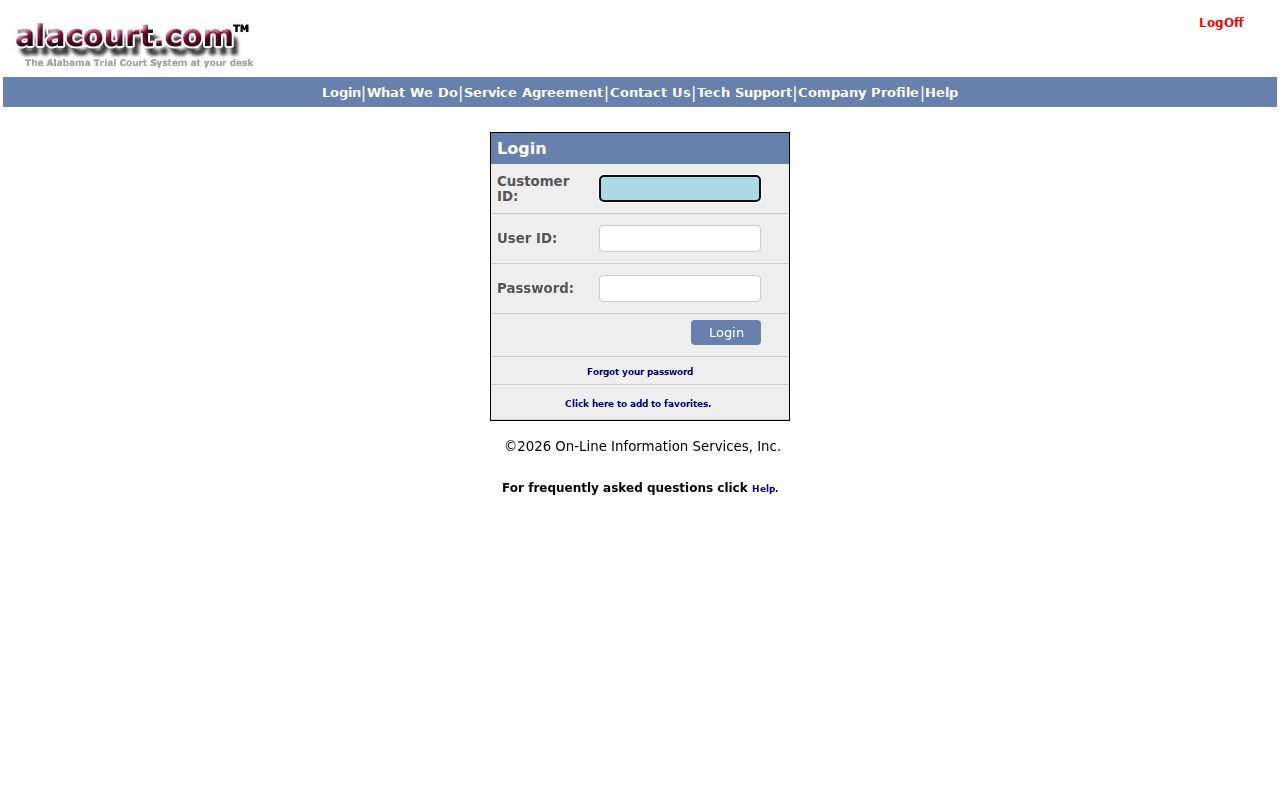
The Alacourt view illustrates why subscription reading and AlaFile submission are different functions.
What a Case Search Shows
A Baldwin County case lookup can return plenty: header, caption, party roles, court and judge, filing date, case type, status, charges or claims, the chronological Case Action Summary, settings, disposition, financial entries, and authorized document images. Which fields appear depends on the case type and public-access rules. Not every record shows everything.
| Case Number | The county, division, year, and sequence. |
|---|---|
| Style and Roles | The caption and public party designations. |
| Status | The current system label, read with dated actions. |
| Actions | Filed papers, orders, settings, and dispositions in date order. |
| Images | Purchasable copies when authorized and available. |
Think of the Case Action Summary as the index. The complaint, motion, judgment, or order is the actual document behind a single entry.
Financial fields may show costs, fines, balances, or filing charges depending on the case. Read them alongside the action history and the final order. With an image link, the portal may sell you the document. A missing image link does not mean the filing is missing from the clerk's file. Use the entry date and title. They help you make a focused copy request.
Baldwin Probate iQuery Search
The Baldwin Probate iQuery is a real local exception. Accept the disclaimer, and you can query records marked public, browsing events, citations, charges, and court notes or docket information. It refreshes nightly. The system runs around the clock, except Sunday from midnight to 6:00 a.m. and announced maintenance windows.
Remember that its display is informational, not the official Probate Court record. Social Security numbers never appear. Narrow your query by number, name, type, status, or date, then ask Probate Court for an official copy.
County vs Statewide Case Search
No single Baldwin County portal replaces every state system. Circuit and District records live in the statewide Alacourt products or with the Circuit Clerk, while Probate uses its local iQuery. City citations stay with municipal courts. Federal cases go through PACER.
| Channel | Coverage | Best Use |
|---|---|---|
| Just One Look | Alabama trial-court case detail | Occasional paid lookup |
| Alacourt.com | Read-only trial-court records | Subscription research |
| Probate iQuery | Public Baldwin Probate records | Free local probate events |
| Circuit Clerk | Baldwin Circuit and District files | Fallback and certified copies |
| PACER | Federal district and bankruptcy | Federal dockets and filings |
Checked the right court? Good. Plenty of valid records look missing simply because someone searched the wrong docket.
Not every Baldwin County request has to go through a computer. The Bay Minette courthouse handles walk-in service. The Fairhope and Foley satellite courthouses do too. Call ahead if you need an archived file or a certification, since not every location handles those.
The formal clerk form opens two more doors: mail and fax. Those channels earn their keep when the portal blocks an image. A name search may leave you unsure. Or a certified Case Action Summary is what you truly need.
Baldwin Federal Case Search
Federal cases do not run through the county clerk. Baldwin County federal matters land in the U.S. District Court for the Southern District of Alabama. Its Bankruptcy Court takes those when a debt filing is involved. PACER provides the public docket and document access there. Don't send federal requests on the Baldwin County Circuit Clerk form. That form excludes them outright.
The Southern District bankruptcy court source shows which court covers these filings.
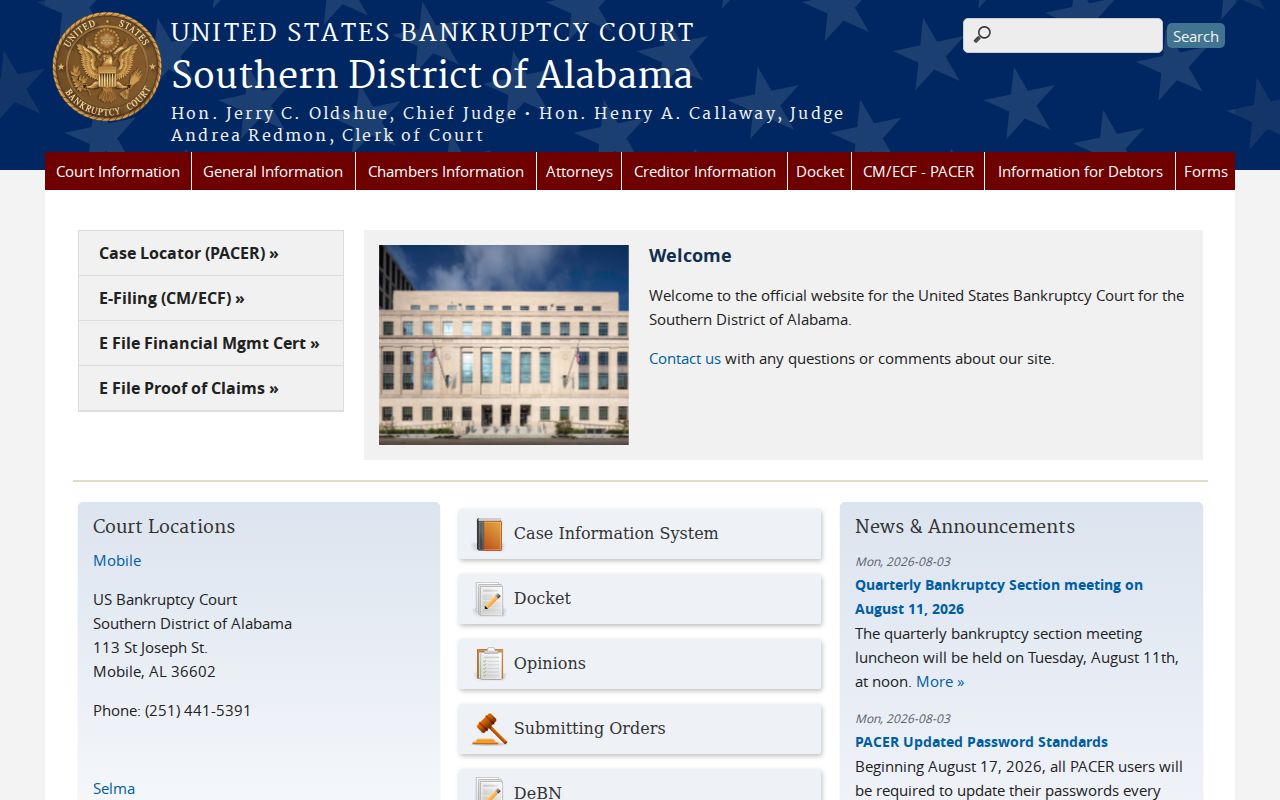
That court page keeps federal bankruptcy search separate from a Baldwin County state case lookup. For the federal side, the official PACER bankruptcy lookup is the entry point.
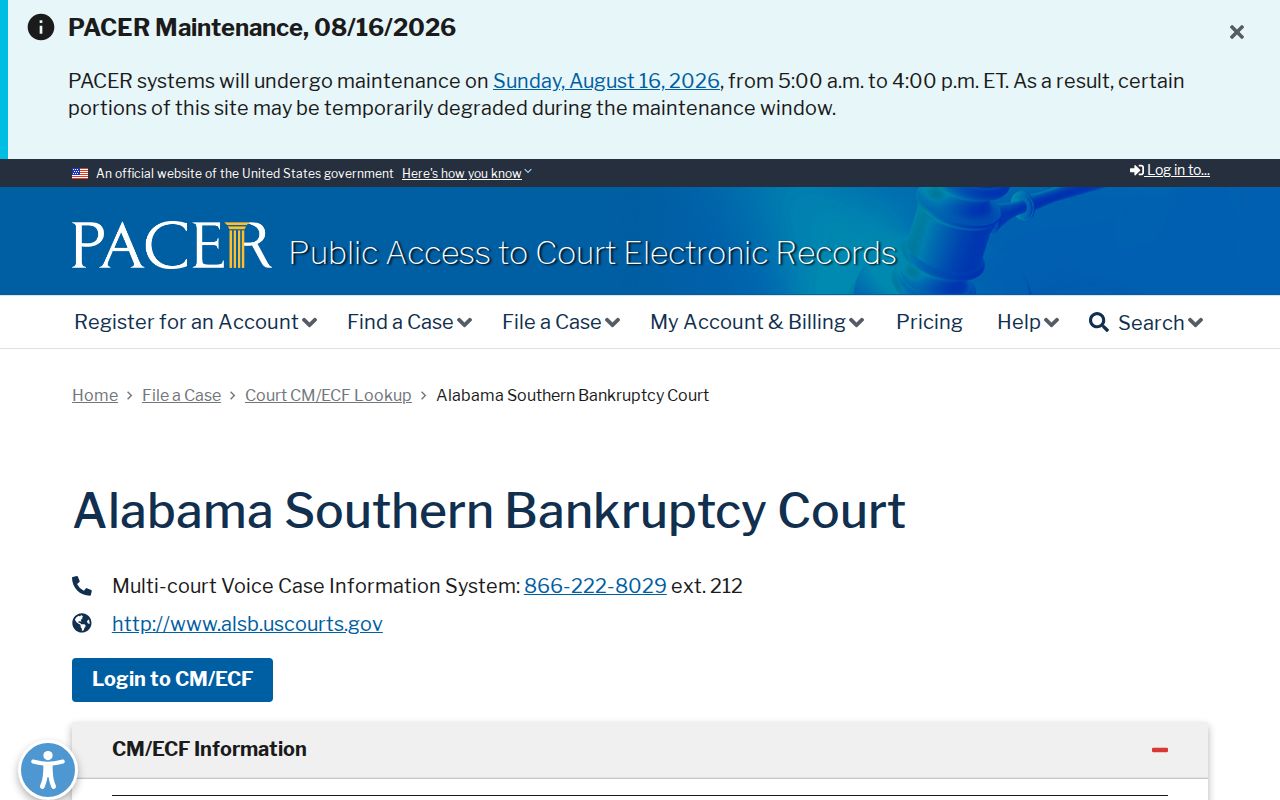
The PACER view confirms that federal dockets have a separate search and filing system.
Restricted Cases and Access Rules
A public Baldwin County case search has blind spots. Juvenile records, Youthful Offender material, adoptions and protected family records, sealed cases, and certain personal identifiers stay out of view.
So a missing result proves nothing. The file could be new, archived, filed in another division, or sitting with a different court entirely.
Clerk fallback: call 251-937-0280 or mail or fax the official Baldwin request form. Computer searches cost $10; archive or microfilm searches cost $25.
The form is short and specific. It wants the record you're after, the case number if you have it, a few identifying details, your certification choice, contact information, and whether delivery comes by mail or email. Allow two weeks, and remember it turns away municipal, federal, out-of-county, and out-of-state files.
Baldwin Paper Case Lookup
Not everything in Baldwin County lives in a database. Some files are paper only, archived, or on microfilm, so a remote docket search can fail while the clerk still holds the record. The official request form is built for exactly this. Name the precise document, whether that's a Case Action Summary, an order, a judgment, or another filing, then add the case number and just enough identifying detail to single out the public file.
Fees run on a tier. The computerized search fee is $10, while a paper, archive, or microfilm search runs $25. Both are nonrefundable, even when no result turns up. Plain copies cost $5 for the first 20 pages, then $0.50 for each added page, and a certification adds $5 each. Personal checks are not accepted, and the form promises no rush service.
The clerk says to allow two weeks. Start any paper lookup well before a hearing or filing deadline.